How to2 min read
By House of Holos
Keep a wishlist and print a want list
Keep your chase cards together, note how many you want and print a want list for a card show. Move a card into your collection when you get it.
Cards you tick save in this browser. Signing in is optional.
Every collector has a chase list. The wishlist keeps yours in one place, with an optional target: the amount you would be happy to pay. Targets are your own notes about your budget, not market prices or price alerts.
Add a card
- Open any card’s page. Search for it, or find it in its set.
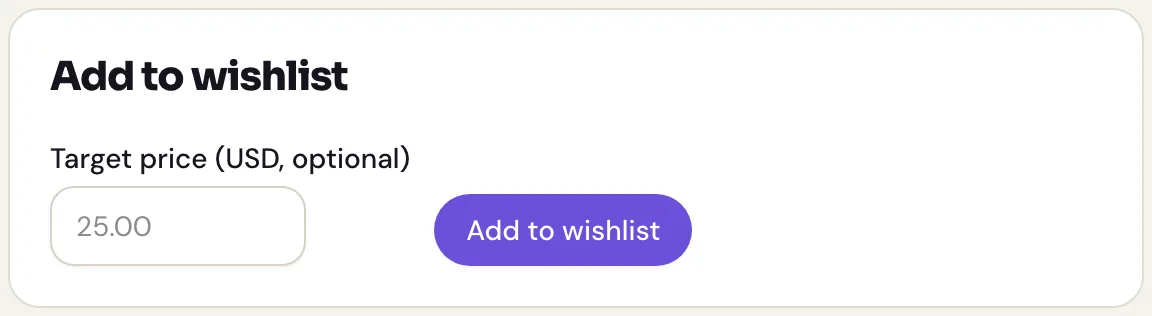
Under Add to wishlist, pick a Printing if the card has more than one, or leave it on Any variant.
- Type a Target price if you have one in mind. It’s optional.
- Press Add to wishlist.
Read your wishlist
Open Wishlist from the menu to see your chase cards and their targets. Group them by set to focus on the gaps in one checklist. House of Holos does not provide market prices, so a target does not tell you whether a card is available at that price.
Change a target
Type a new price in a card’s target box and press Save target. Clear the box and save to drop the target. Remove takes the card off your wishlist.
Found the card?
Choose Got it to add the card to your collection and take it off your wishlist. Check the printing and condition, and add what you paid if you like. Undo is available if you picked the wrong card.
Take your list to a card show
The Print menu makes a want list grouped by set. Choose Want list with target prices to include your own targets, or Want list to leave them off. Your private notes do not print.